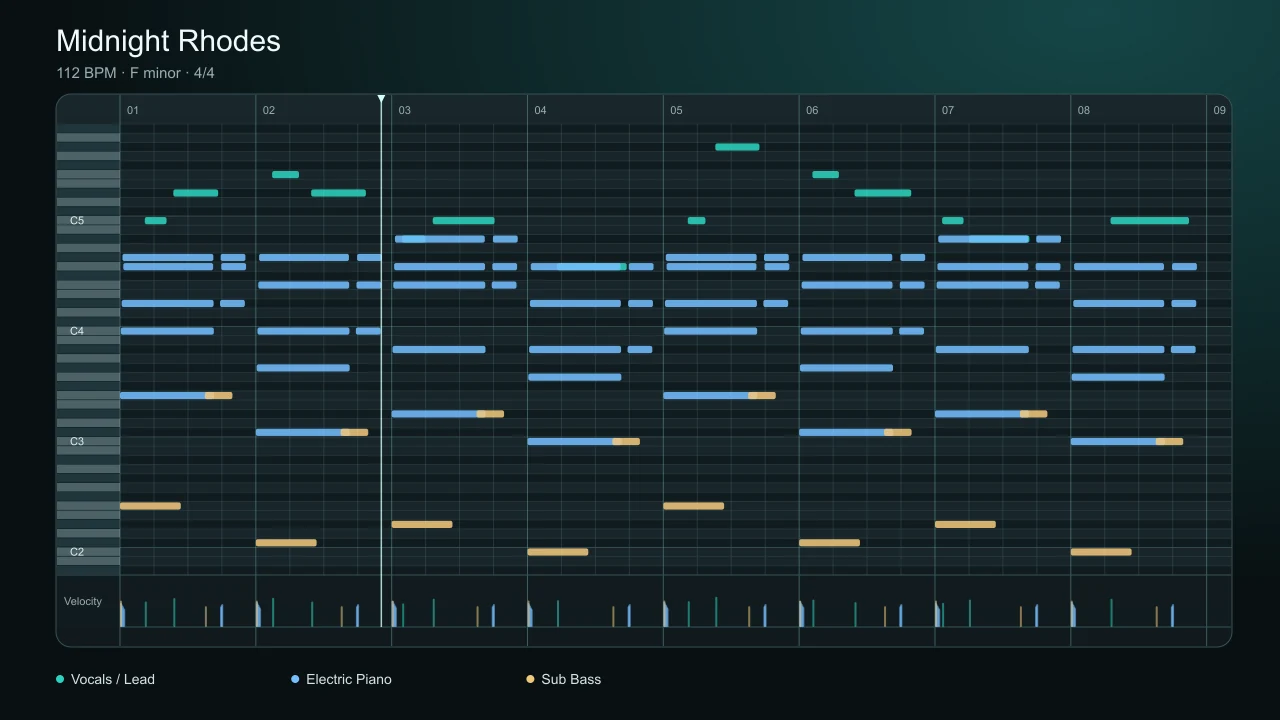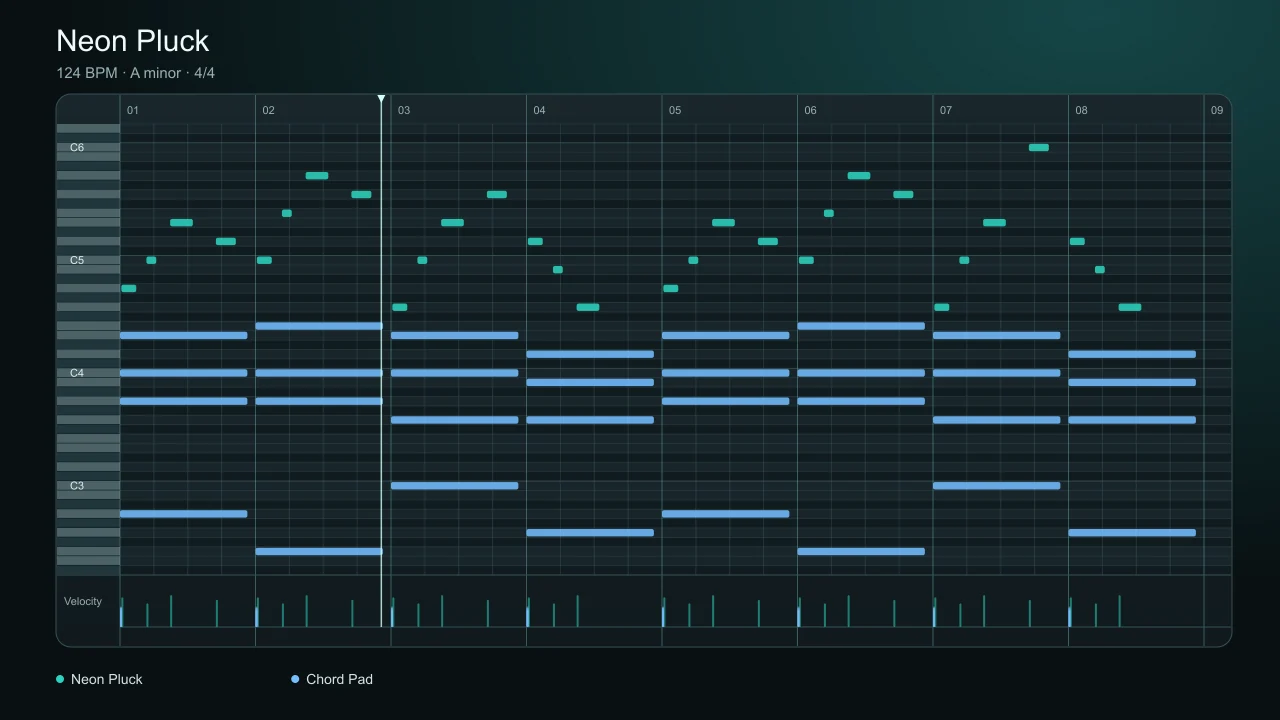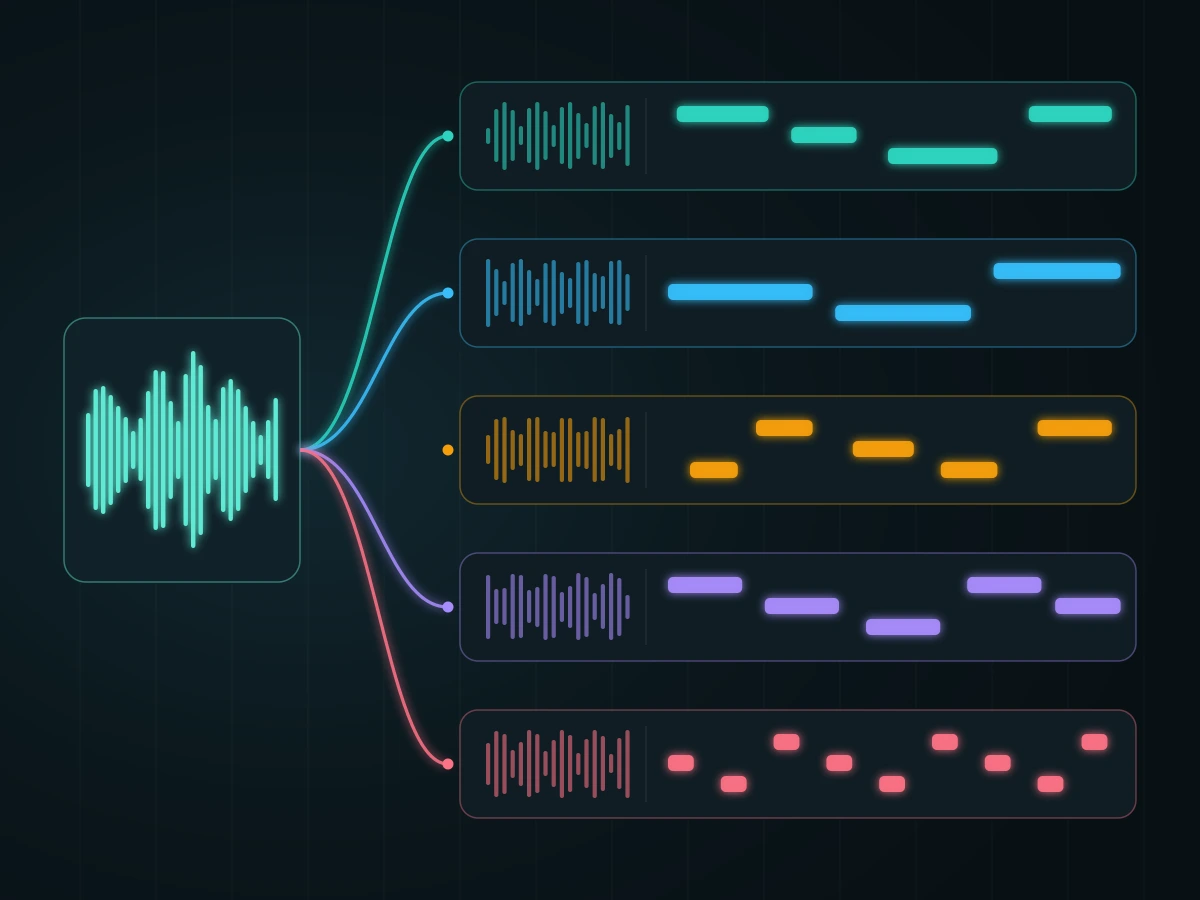
Five-Stem Source Isolation First
Before a single note is transcribed, our song to MIDI engine isolates vocals, piano, guitar, bass, and drums so loud snare hits never corrupt delicate chord voicings.
Try itSplit complete stereo mixes into isolated vocal, piano, guitar, bass, and drum MIDI lanes—upload a song and rebuild full arrangements inside your DAW.
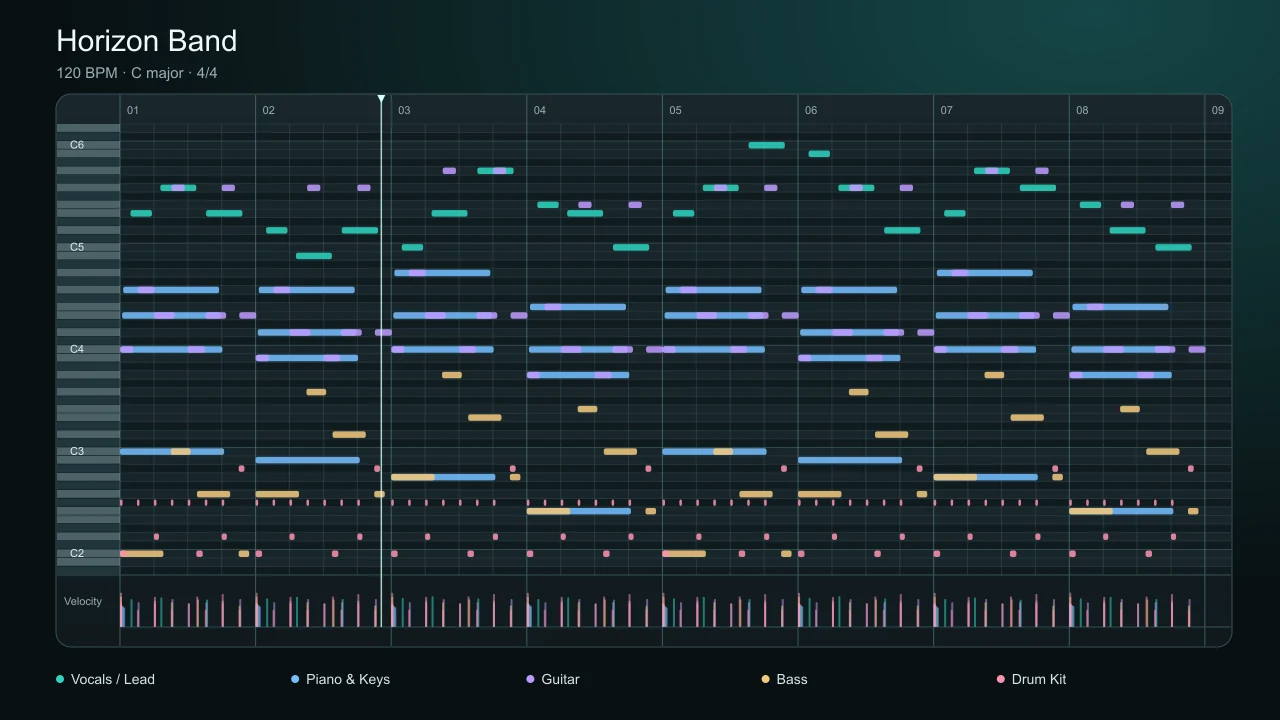
Throwing a mastered band mix straight into a single-track pitch detector creates an unplayable wall of overlapping notes. Our song to MIDI pipeline isolates vocals, piano, guitar, bass, and percussion first—solo or mute each lane here to hear how cleanly every part translates.
Before a single note is transcribed, our song to MIDI engine isolates vocals, piano, guitar, bass, and drums so loud snare hits never corrupt delicate chord voicings.
Try it
Every separated track aligns to a unified BPM grid and bar ruler. Basslines lock tightly under keyboard chords so you can copy four-bar sections without drifting off beat.
PreviewPercussion stems route automatically to General MIDI Channel 10 kick, snare, and hi-hat notes instead of pitched piano clutter, triggering studio drum racks cleanly on import.
Explore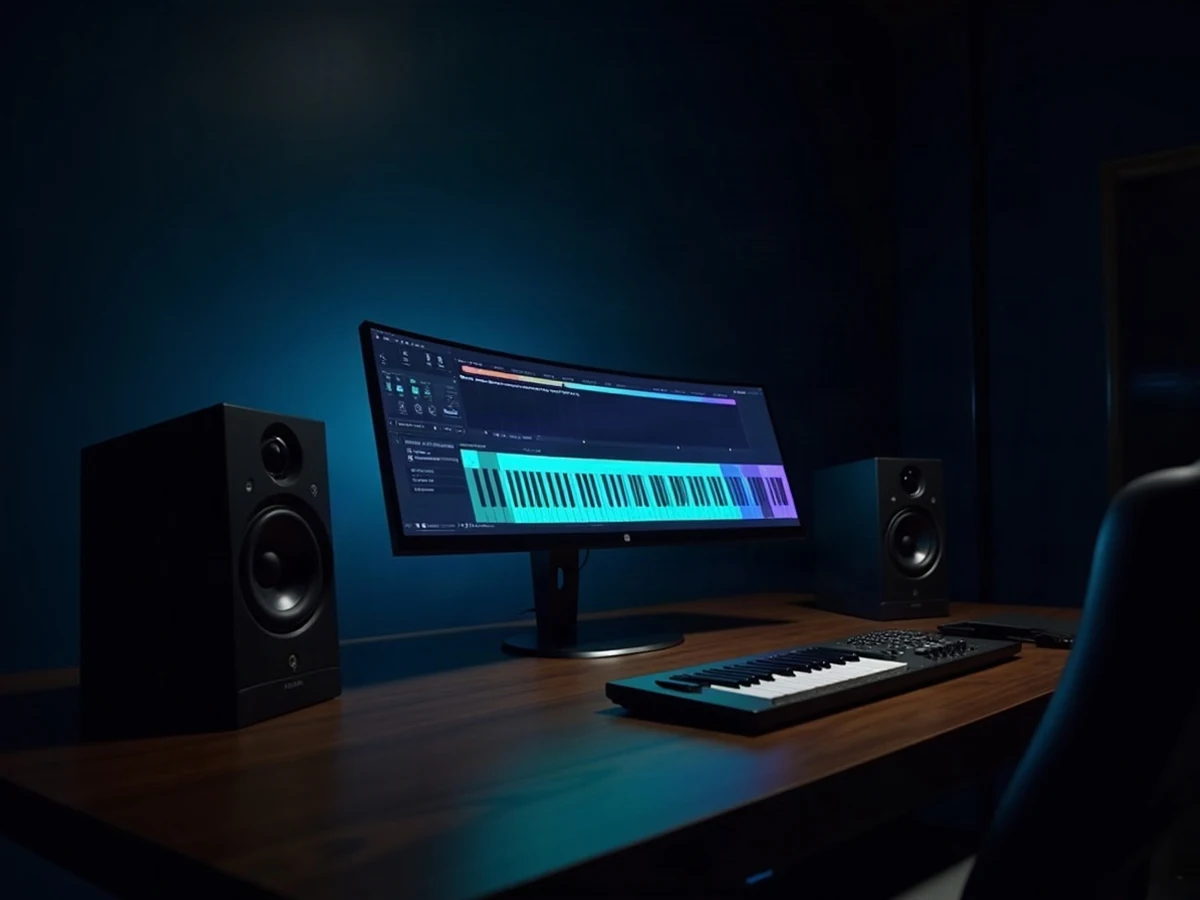
Export a single multitrack .mid bundle where every instrument opens on its own labeled track in Ableton Live, Logic Pro, FL Studio, Reaper, or Studio One.
Open studioStop guessing buried seventh chords under loud vocals and mastered limiting. When you convert song to MIDI in 5-stem mode, the isolated bassline and harmonic pad land on separate tracks so you can build house drops, orchestral re-imaginations, or acoustic covers in minutes.
Generated a catchy full track in Suno or Udio that sounds slightly lo-fi in the mix? Run our song to MIDI splitter on the stereo bounce to pull out editable lead melodies, chord progressions, and drum patterns, then re-produce every part with pristine VST instruments.

Music directors, worship teams, and students can solo the keyboard voicing while muting vocals and drums, slow playback down, or export MusicXML to print lead sheets and part charts for live rehearsals without transcribing five instruments manually.
 01
Drop a mastered track, Suno/Udio export, or band demo up to 10 minutes into the song to MIDI studio.
02AI source separation isolates five musical roles in parallel and extracts polyphonic pitch, velocity, and drum hits per stem.
03Mute or solo individual instrument lanes in the piano roll, tighten grid timing, and download your multitrack .mid arrangement.
Standard pitch trackers treat an entire stereo mix as one instrument, turning snare hits, vocal sibilance, and bass harmonics into hundreds of colliding piano clusters. Our song to MIDI workflow runs dedicated multi-stem audio source separation before polyphonic transcription, isolating vocals, keys, guitar, bass, and drums onto five clean independent MIDI tracks.
Full-Song Multitrack mode outputs a synchronized SMF Type 1 .mid file containing up to five dedicated tracks—Vocals / Lead Melody, Piano & Keys, Guitar, Bass, and Channel 10 Drum Kit—all sharing a unified tempo and time-signature header so every bar lines up automatically inside your DAW.
A complete 5-stem song to MIDI conversion costs 10 credits (up to 10 minutes / 25 MB), reflecting multi-stem GPU separation plus parallel polyphonic pitch tracking, whereas single-instrument stems cost just 3 credits. Every new free account receives 15 starter credits immediately upon sign-up—enough to run one full multitrack song plus one solo clip at zero cost.
Yes. AI-generated songs and mastered streaming bounces often blend synth pads and vocals tightly together; stem-first isolation untangles the topline melody, bass root motion, and chord rhythm far more cleanly than single-pass converters. After transcription, use the 1/16 quantize toggle and ghost-note threshold in the studio to polish dense chorus sections.
In Logic Pro or Reaper, drag the downloaded .mid onto an empty track area and accept "Import tempo information" to spawn all instrument lanes automatically. In Ableton Live, drag the file from Browser into Session or Arrangement View while holding Command/Ctrl if needed; in FL Studio, use File -> Import -> MIDI file and select "Create one channel per track".
You should only upload original compositions, licensed stems, royalty-free tracks, or audio you hold legal permission to transcribe. Private account uploads and generated multitrack files are saved under authenticated non-public storage for your workspace retention window and are never shared publicly or used for model training.
All paid packs are one-time purchases with no recurring billing: Starter ($4.99 / 30 credits = 3 full songs), Standard ($9.99 / 100 credits = 10 full songs), and Pro ($19.99 / 300 credits = 30 full songs). Failed jobs never consume credits, and any pack with zero credits used is eligible for a 100% refund by email within 7 days of payment.

Test our 5-track band demo right in the piano roll or sign up for 15 free credits to separate your first full song.
Convert a Full Song