Compare with the original
Compare each result with the original recording on a shared timeline.
About Audio to MIDI Converter
We help musicians turn recordings and full mixes into notes they can edit, audition, and export.
“A recording can be the start of a new arrangement.”
Our story
A rough take can capture an idea before you have time to write out the notes. Returning to that recording often means tracking each part by ear.
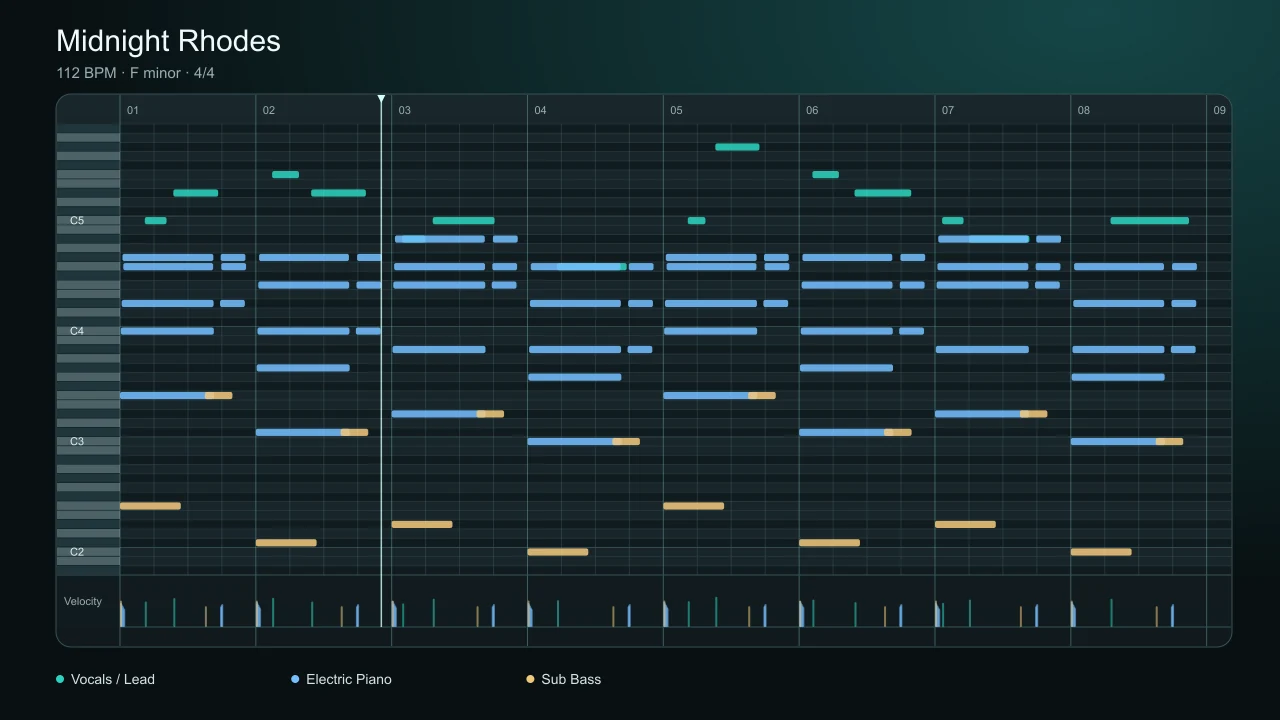
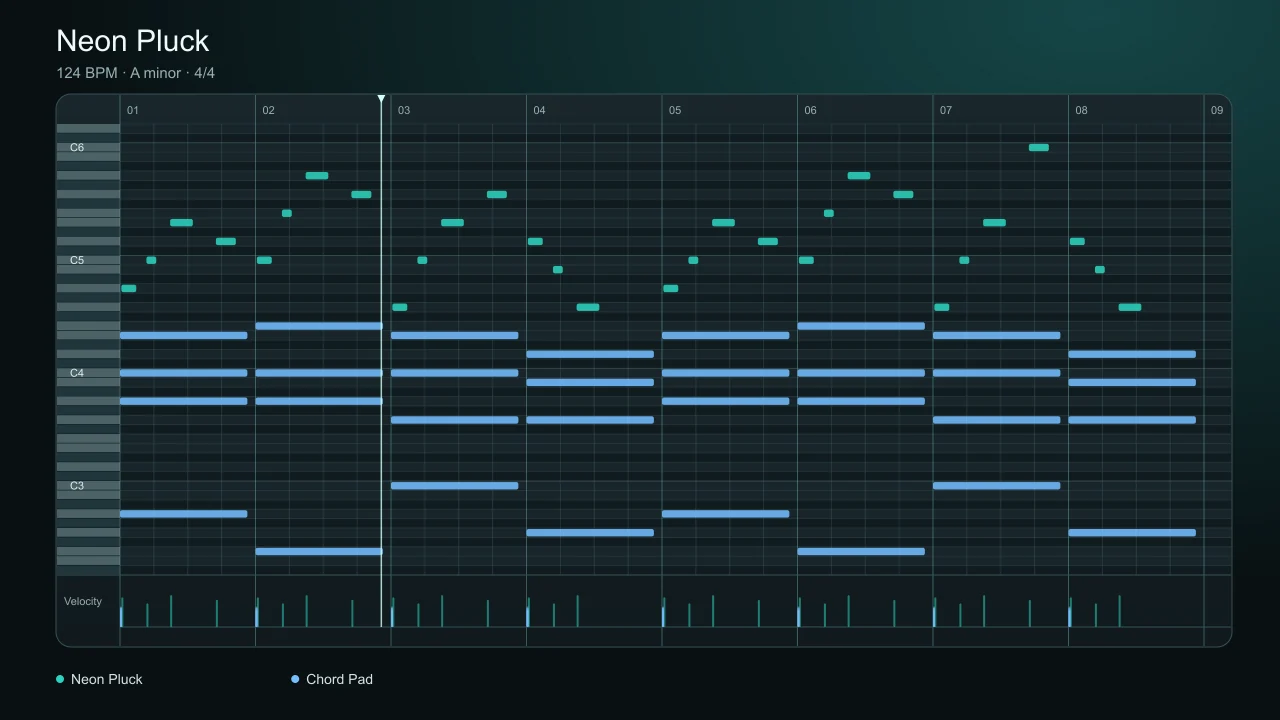
We built the studio to turn those recordings into editable MIDI with a source preview and a piano roll on the same timeline.
You can start with a sample, check the timing and pitch, and take the result into your own DAW or score editor.
The studio
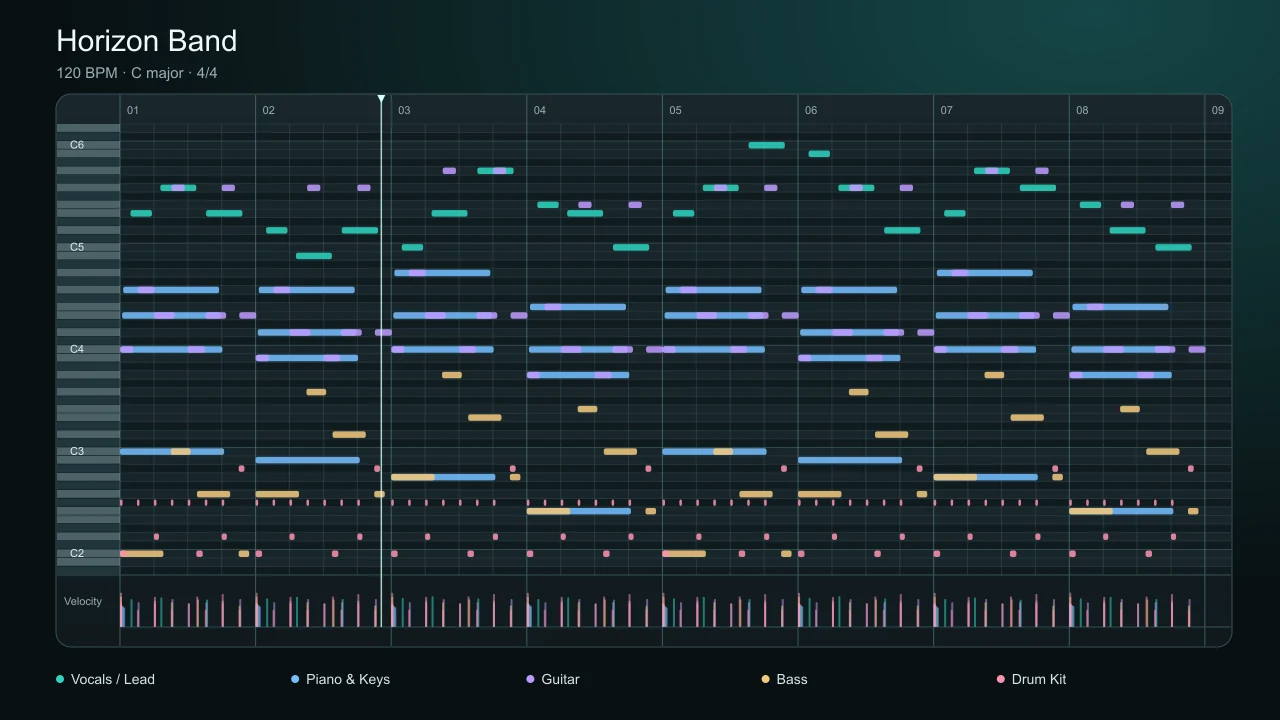
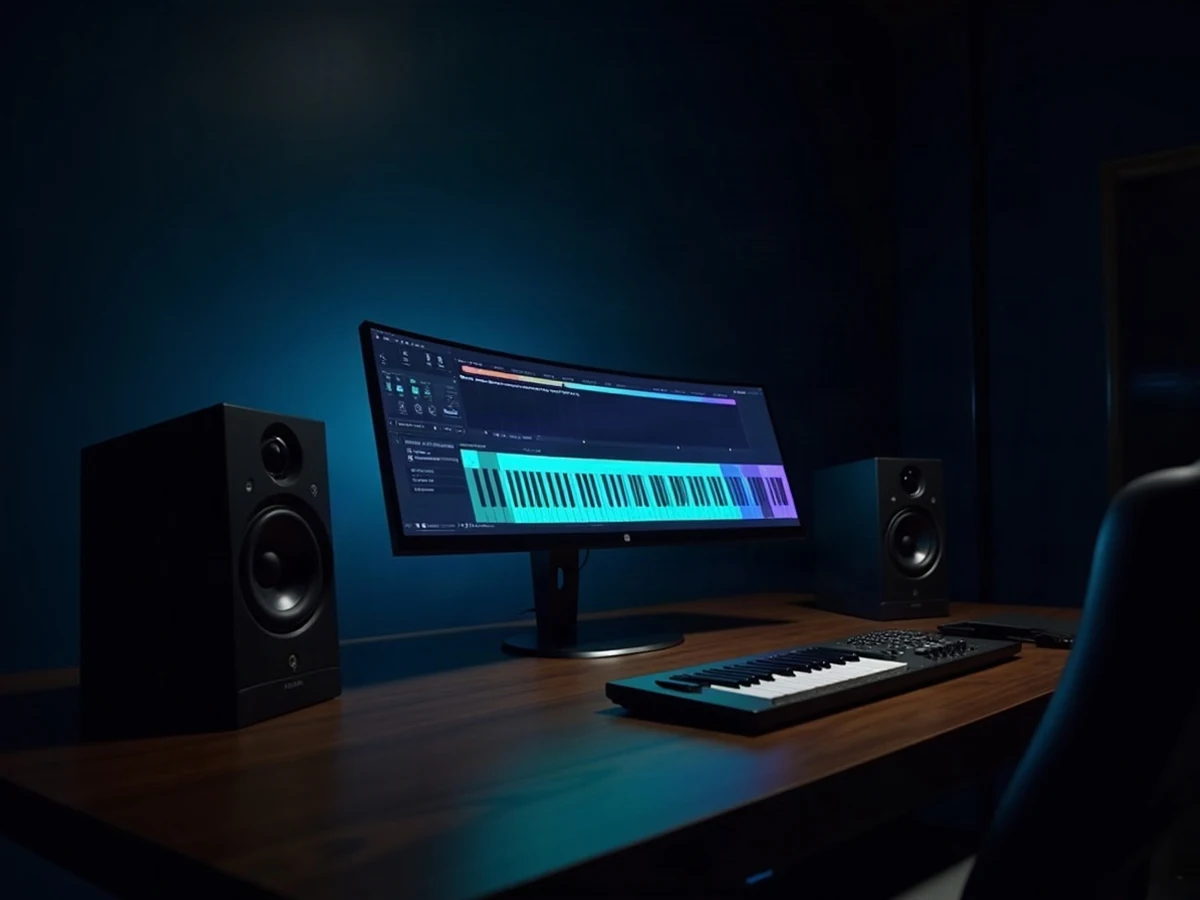
The studio takes you from a recording to editable notes without leaving the browser.
Upload a recording or capture a live take on your microphone to transcribe its notes.
Extract melodies and chords from a compressed MP3 recording.
Separate a full mix into lead, keys, guitar, bass and drums when those parts are present.
Quantize timing, transpose melodic notes, and solo the parts you want to hear.
Export Standard MIDI File Type 1 for your DAW or MusicXML for notation apps.
Listen to your recording and its transcription against the same timeline.
Our mission
We build simple tools for musicians who want to inspect, revise, and export the notes in a recording.
Compare each result with the original recording on a shared timeline.
Bring standard MIDI and MusicXML files into the apps you already use.
Audition a result and revise its timing in the same studio.
Keep control of the notes, timing, and parts you export.
Audition the notes from a studio demo and export them to your own session.
Have a question or an idea to share? support@audiotomidiconverter.app