AI MP3 to MIDI Converter
Extract clean melodies, chord voicings, and basslines from any MP3 recording—audition notes in the browser piano roll without replaying parts by ear.
192k Synth MP3
Clean Notes From Compressed MP3s
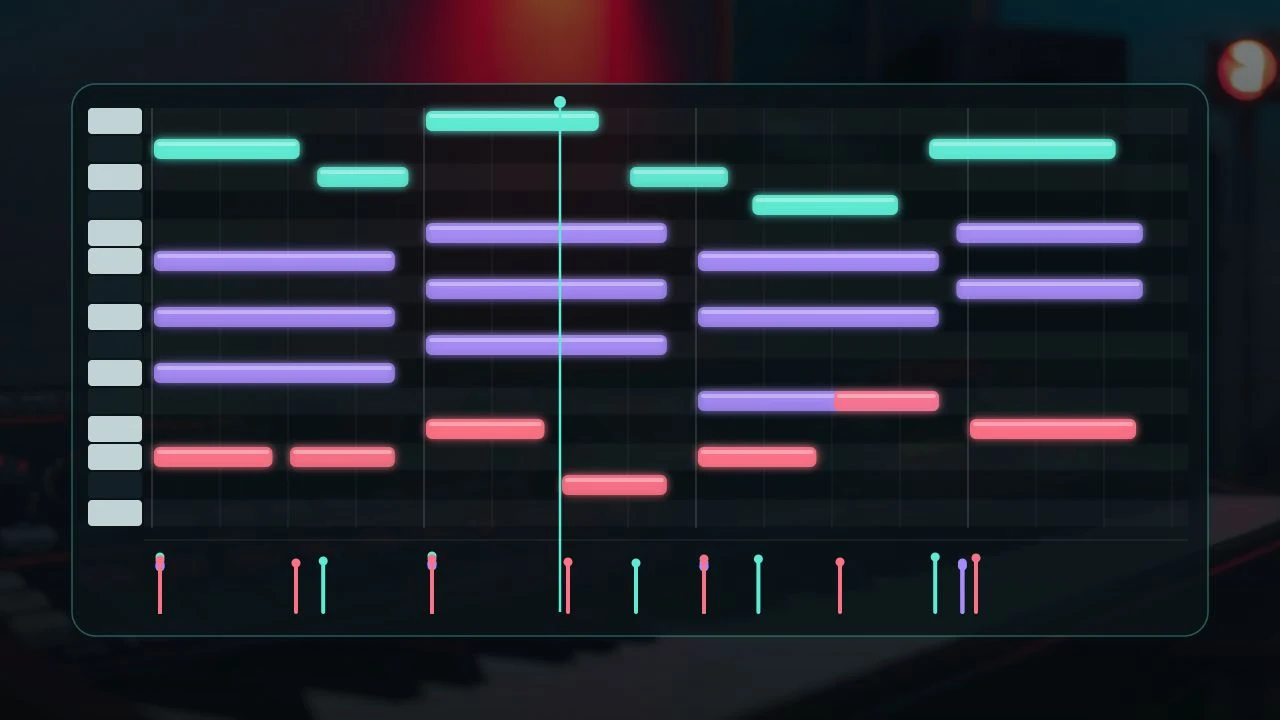 Lossy 128–320 kbps MP3Clean Quantized MIDI
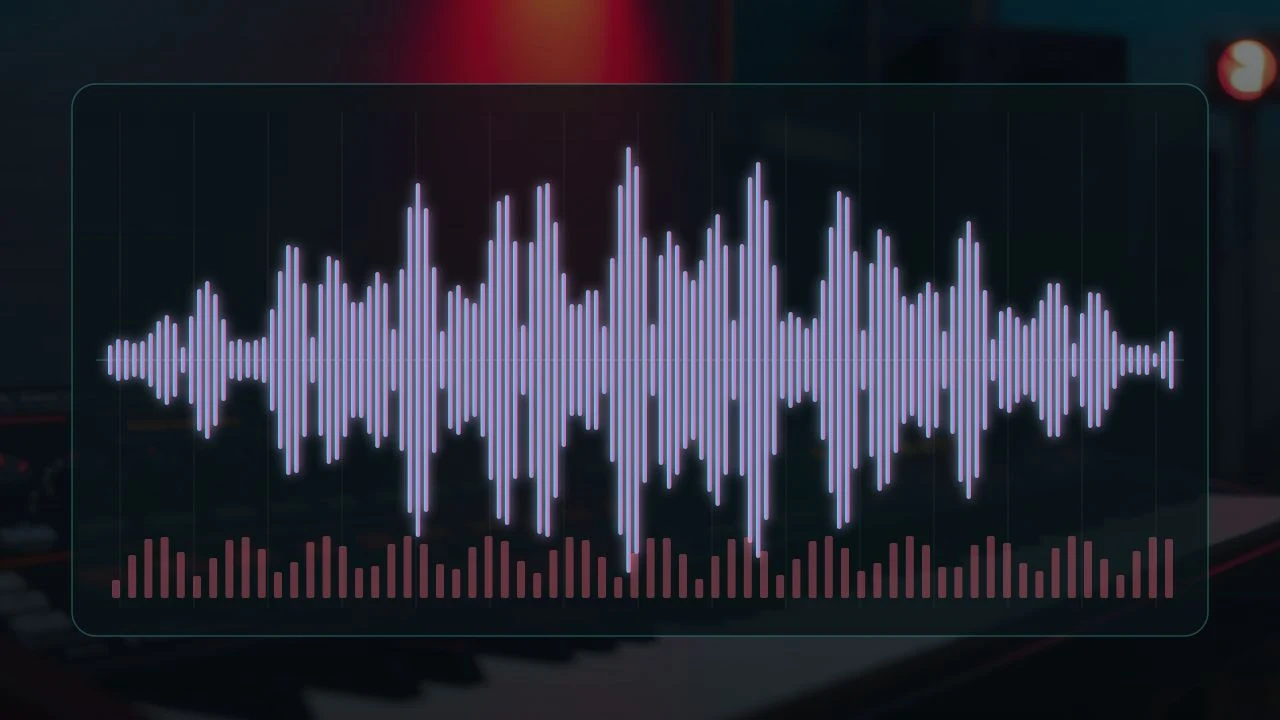
See how MP3 compression shimmer and ghost overtones are stripped away into crisp note blocks.
Turn MP3 Into MIDI Online
Start in StudioSelect Your MP3 Recording
Drop any 128 to 320 kbps .mp3 hook, beat, voice recording, or song up to 25 MB into the MP3 to MIDI dropzone.
Run AI Pitch Extraction
Choose solo/polyphonic instrument mode for single stems or full-mix separation when your MP3 combines drums, bass, and vocals.
Preview Notes and Download .MID
Play back the piano roll alongside your original MP3, apply optional grid quantization, and save the editable .mid or MusicXML file.
Audition MP3 to MIDI Demos
Tight Lead Hooks From Exported MP3 Loops
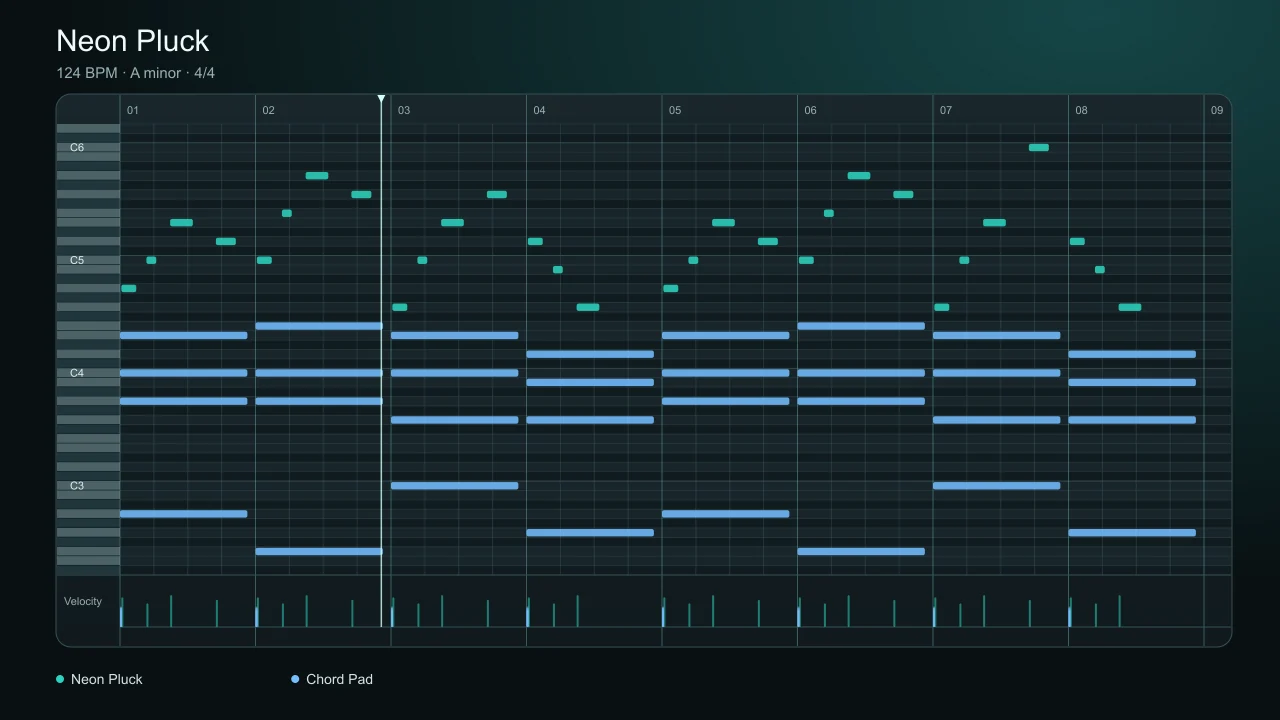
Play an exported 192 kbps synth loop beside its direct MP3 to MIDI transcription—sustained pad chords and sixteenth-note pluck runs separate cleanly without high-hat smear.
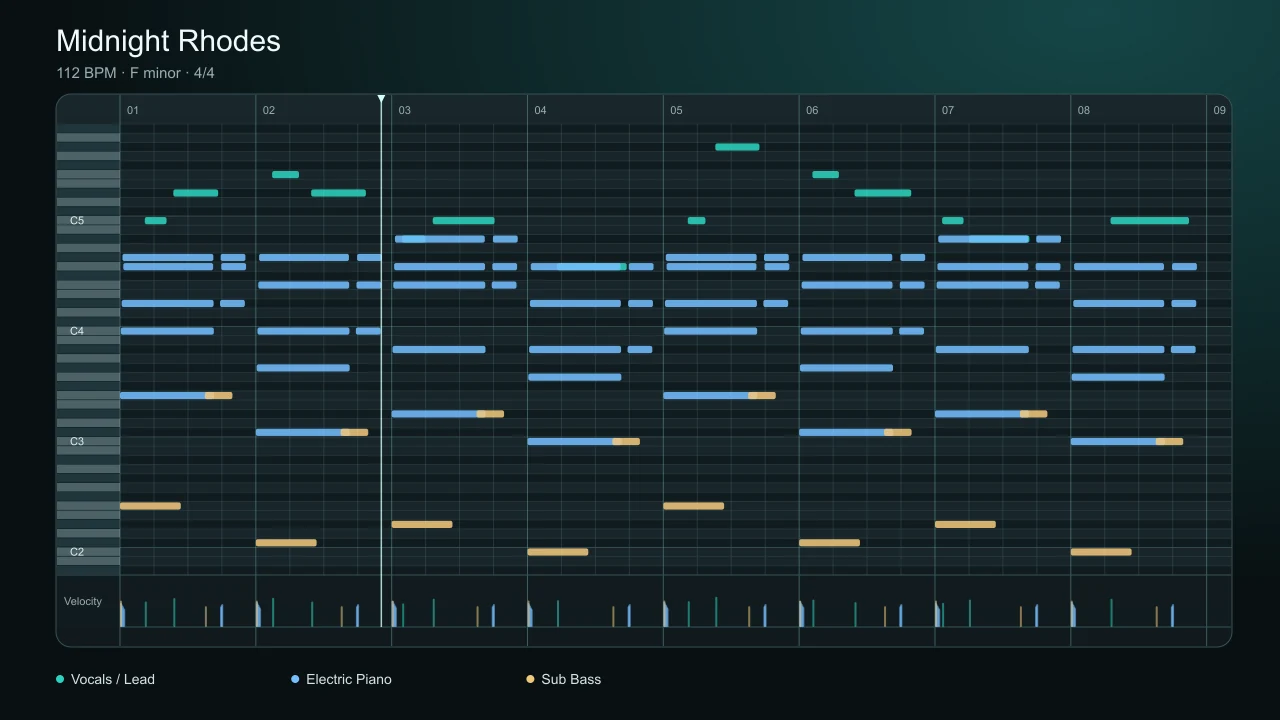
Two-Hand Voicings From Compressed Bounces
Compressed song demos often lose upper harmonics, fooling basic pitch trackers into octave jumps. Harmonic fundamental locking keeps left-hand bass notes and right-hand triads anchored.
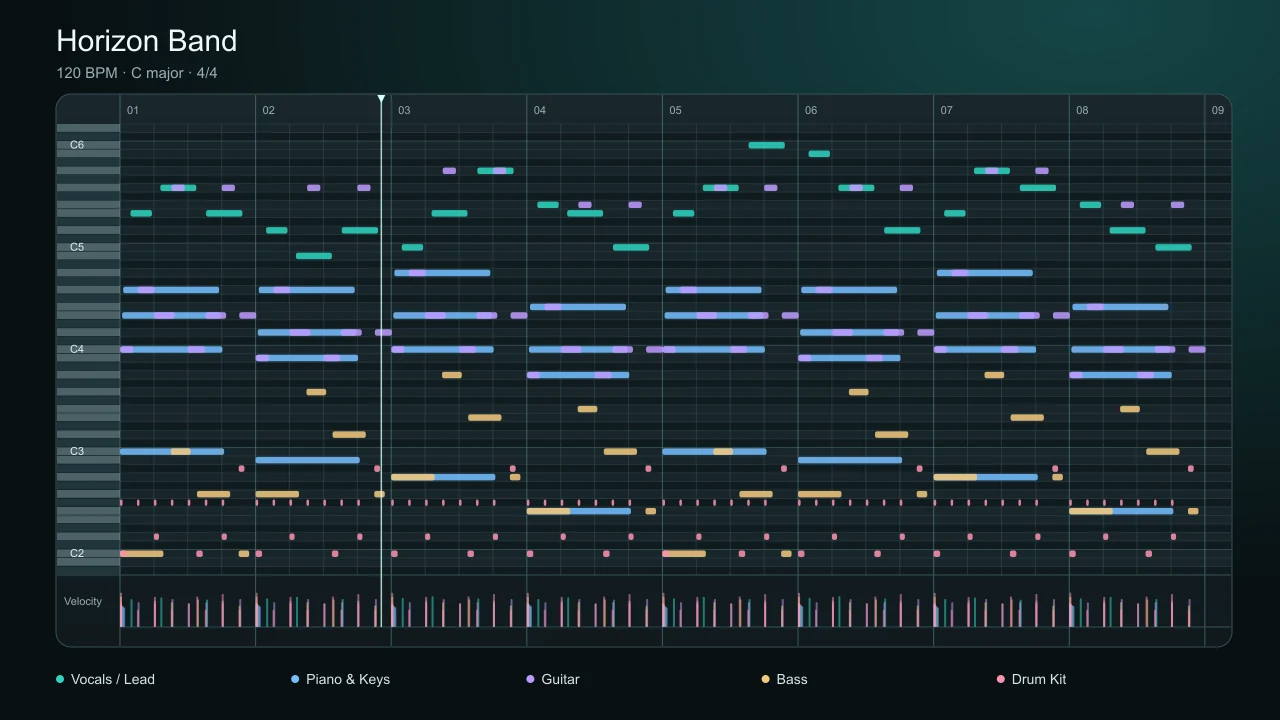
Mastered Songs Split Into Five Tracks
Drop a full stereo song bounce to isolate vocals, keys, guitar, bass, and drums before pitch extraction, delivering a multitrack arrangement file ready for remixing.
Everyday MP3 Transcription Workflows
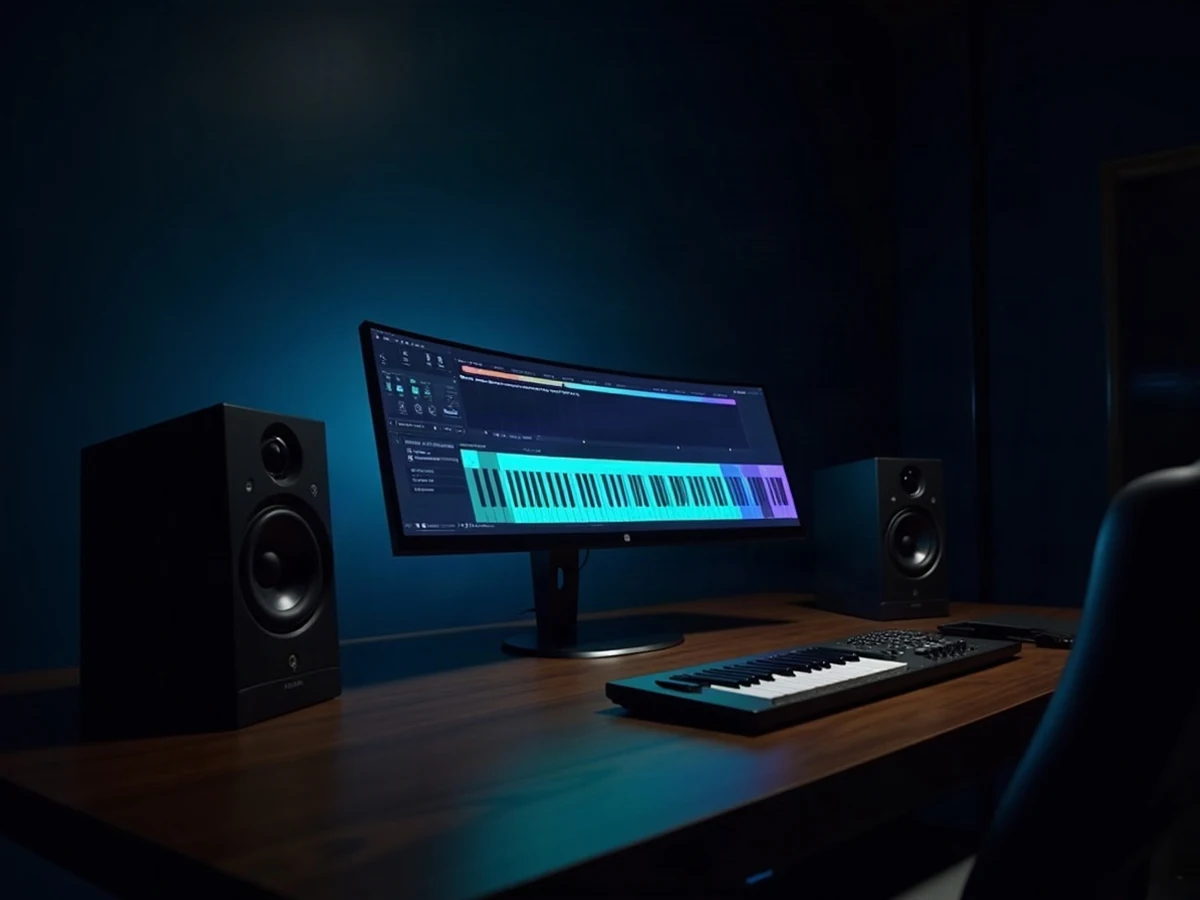
Rebuild Chord Progressions From Sampled Loops
Producers working with crate-dug loops or bounced sample packs use MP3 to MIDI conversion to uncover exact chord voicings and bass notes. Once inside FL Studio or Ableton Piano Roll, you can layer fresh analog synths, transpose the key to match your drums, or re-voice progressions without time-stretching artifacts.
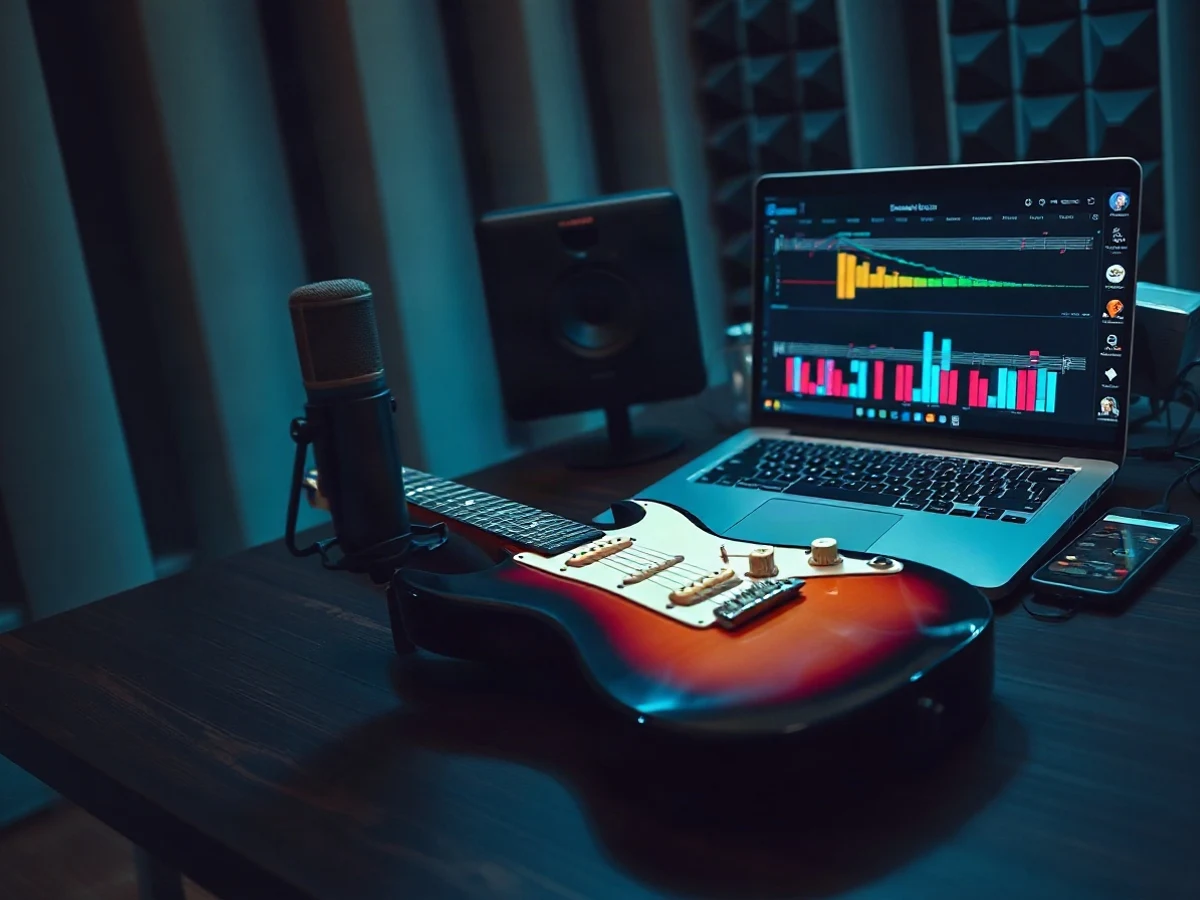
Rescue Old MP3 Song Sketches Without Project Files
Lost the original DAW session and only have an old MP3 bounce on your phone or cloud drive? Upload that stereo export to recover the tempo map, topline melody, and underlying harmony in under half a minute so you can finish arranging the track with modern virtual instruments.

Slow Down Fast Solos and Export Notation Drafts
Instead of looping a tricky four-bar passage fifty times by ear, run the clip through our MP3 to MIDI AI engine to visualize every semitone on the piano roll. Mute background layers, inspect chord tensions measure by measure, and export MusicXML straight into MuseScore or Guitar Pro.
Engineered for Lossy MP3 Audio
MP3 to MIDI Conversion FAQ
An MP3 stores a single merged pressure wave of all sounds combined, whereas a MIDI file stores symbolic performance instructions—which key was pressed, at what tick, and with what velocity. Because a standard file converter cannot unbake mixed frequencies, accurate MP3 to MIDI AI models must perform spectral pitch and onset detection to reconstruct playable notes from the waveform.
On 192–320 kbps MP3s of solo piano, guitar, synth hooks, or clean vocals, fundamental pitch and rhythm accuracy routinely captures primary melodies and chord voicings with minimal touch-up. Lower-bitrate 96–128 kbps files introduce high-frequency codec smear, so enabling our short-note cleanup slider removes tiny 30 ms ghost blips caused by lossy compression.
Yes. You can play, quantize, mute tracks, and download all preloaded MP3-to-MIDI sessions right now without logging in, and signing up free adds 15 starter credits to your account. Single-instrument or loop conversions use 3 credits (letting you convert 5 MP3 clips free), while full-band 5-stem MP3 songs use 10 credits.
No—MIDI files never contain vocal recordings, lyrics, or audio samples. When you play a .mid file on your computer or inside FL Studio, it triggers whatever piano, synth, or sampler instrument you load on that track, playing back the exact melody and chord notes extracted from your MP3.
FL Studio’s built-in Edison "Convert to score and dump to piano roll" and NewTone pitch editor are designed strictly for monophonic single-note recordings and scramble polyphonic chords or drum-backed MP3 beats. Our cloud polyphonic transcription handles stacked chords and full stereo MP3 mixes in your browser, exporting a ready-to-import .mid file for any FL Studio edition.
Uploads support MP3 files (plus WAV, M4A, FLAC, and OGG) up to 25 MB and 10 minutes in length. Signed-in conversions are stored in private, non-public account storage accessible only from your My Creations library, are never used to train foundation models, and can be deleted permanently whenever you choose.
You never get locked into a monthly subscription: choose a one-time Starter Pack ($4.99 for 30 credits), Standard Pack ($9.99 for 100 credits), or Pro Pack ($19.99 for 300 credits). Failed tasks never deduct credits, and completely unused credit packs qualify for a full email refund within 7 days of payment.
More Audio Transcription Studios
Convert Your First MP3 to MIDI
Upload a compressed loop, demo bounce, or hook and walk away with clean piano-roll notes ready for your favorite synth.
Upload MP3 File